Add page numbers to a PDF in any corner.
“Page 3 of 12” on a contract, chapter numbers on a thesis, exhibit labels on a legal bundle. Preview can’t do it; Sheaf does it in one drag.
Free 7-day trial · then one purchase, no subscription · macOS 14+
In short: To add page numbers to a PDF on a Mac, drag it, pause and choose Number pages in Sheaf, pick a style like “Page 1 of 9” and a corner, and save. You can skip the first page and add the file name or date. Preview has no page-numbering feature.Updated 13 November 2026
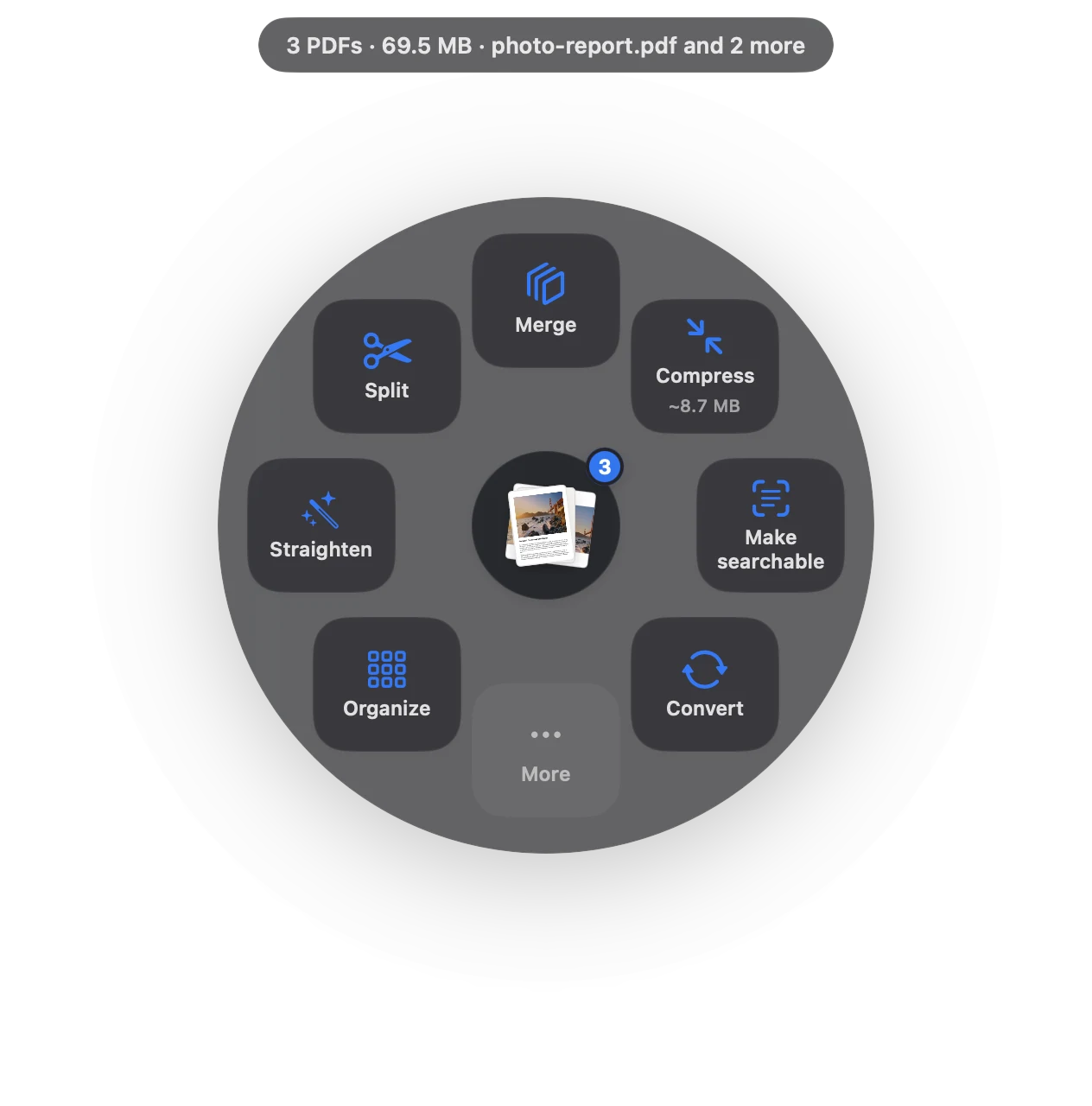
Page numbers in three moves.
No app to open, no window to find. It happens where the file already is.
- Drag
Start dragging the file from Finder, Mail, Photos or your desktop.
- Pause
Hold still for a moment. Sheaf’s actions open in a circle around your cursor.
- Choose More › Number pages
Pick the style and corner; skip the cover if you like.
Three ways to do it, honestly compared.
Preview (built in)
No page numbering in Preview.
- Free
- Can’t add page numbers
- Text boxes per page are the only workaround
Online PDF sites
Upload the file to a website, wait, download the result.
- Your document goes to someone else’s server
- Free plans limit files, size or tasks per day
- Needs an internet connection
SheafFastest
Drag the file, pause, let go.
- “1”, “Page 1”, “Page 1 of 9” or Bates
- Any corner, header or footer
- Skip the cover page
Styles
- Page numbers: 1, Page 1, or Page 1 of 9.
- Header or footer text: the file name, today’s date, or your own words like “Exhibit A”.
- Bates numbers for legal productions: a prefix and a running number across many PDFs, like ACME000001. See Bates numbering on Mac.
Text stays text
Numbers are drawn onto the page, and the existing text and links keep working.
Questions
Can Preview add page numbers to a PDF?
No. Preview has no page-numbering tool; you’d have to add a text box to every page.
Can I start numbering on page 2?
Yes. Choose Skip first page, so the cover stays clean.
Can I number several PDFs as one sequence?
Yes, with Bates numbering, which continues the count across files.
Related tools and guides
Across several PDFs, then save one.
Watermark PDFDraft, Confidential or your own words.
Merge PDFsPDFs and images into one file, with bookmarks.
For law firmsBates, redaction, court-ready PDFs.
For studentsAssignments, scans and forms.
Word to PDFWord, RTF, text and web pages to PDF.
Your next PDF takes one second.
Drag it, pause, let go. Free for 7 days, then yours with one purchase. Family Sharing included.
Download for MacMac App Store · macOS 14 or later · Apple silicon and Intel