Like iLovePDF, but on your Mac.
iLovePDF’s free plan limits how much you can process per task, and files go through its servers. Here’s the offline way to do the same jobs.
Free 7-day trial · then one purchase, no subscription · macOS 14+
In short: Sheaf does iLovePDF’s common jobs (compress, merge, split, convert, sign, OCR) on your Mac with no per-task limits during the trial or after purchase, and no upload. iLovePDF’s free plan has per-task limits; its desktop app comes with Premium.Updated 13 November 2026
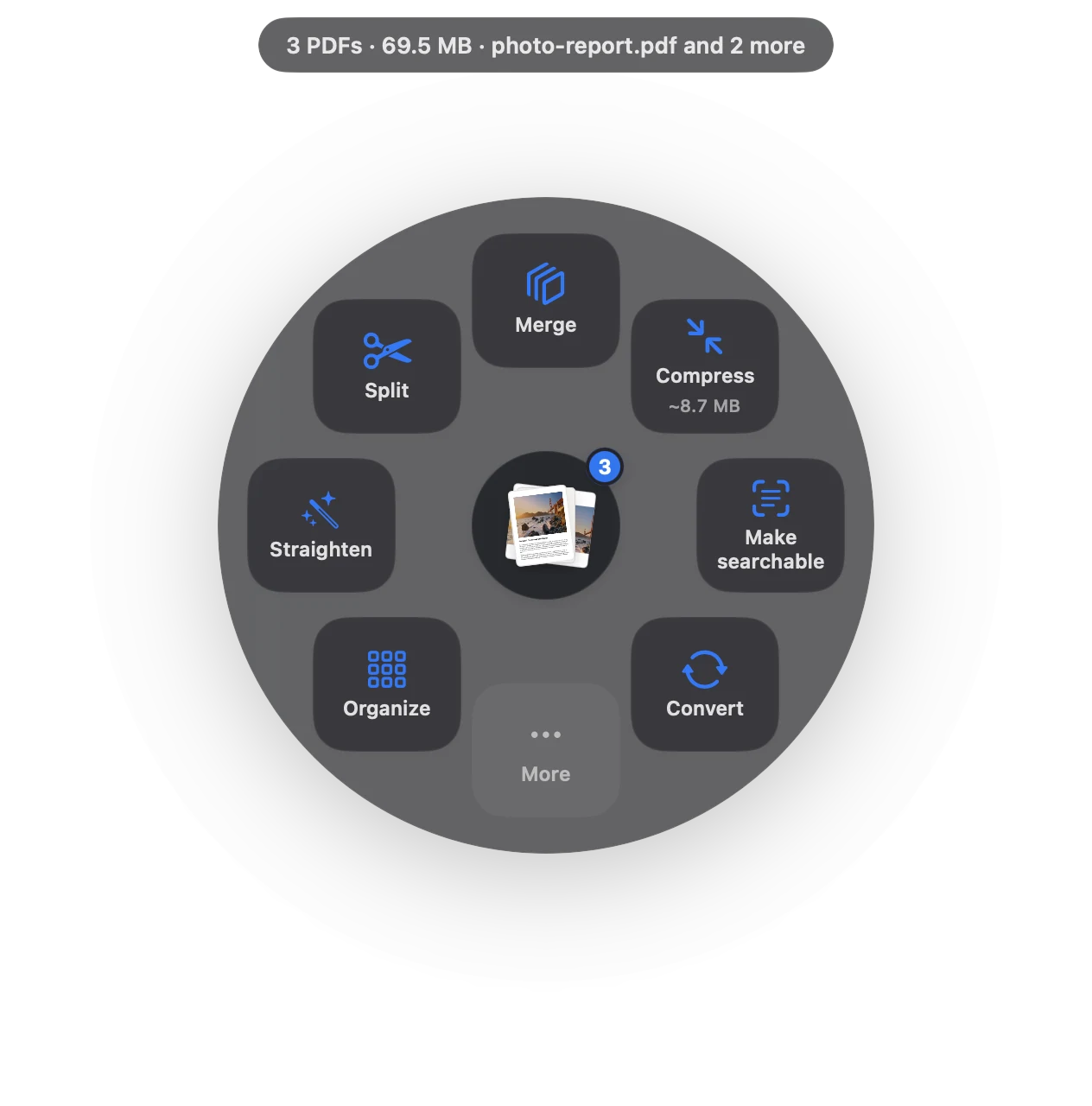
iLovePDF, Preview and Sheaf.
We make Sheaf, so we’ve tried hard to be fair: facts about other apps come from their own websites, checked 13 November 2026, and linked below. Prices change; their sites have the final word.
iLovePDF
Browser tools; free plan with per-task limits, Premium subscription.
- Free plan for occasional use
- Per-task limits on the free plan
- Files go through their servers
Preview (built in)
Free, built into macOS.
- Free
- On your Mac
- Basic tools only
SheafOur pick
Drag the file, pause, let go.
- One-time purchase
- Everything runs on your Mac
- Compress, merge, sign, OCR, convert in one drag
What you get, and what you don’t.
| iLovePDF | Sheaf | |
|---|---|---|
| Free use | Free plan with per-task limits | 7-day trial with everything; then 3 actions a day free |
| Paid | Premium subscription | One-time purchase |
| Where files go | Processed by iLovePDF online | On your Mac only |
| Desktop app for Mac | With Premium | Yes |
| Works offline | Desktop app (Premium) | Yes |
When iLovePDF is the better choice
- You only need a PDF tool a few times a year and don’t mind uploading.
- You’re on a computer where you can’t install apps.
Source
https://www.ilovepdf.com/pricing, checked 13 November 2026.
Questions
Is there an iLovePDF app for Mac?
iLovePDF lists a desktop app for Mac and Windows with its Premium plan.
Why does iLovePDF say I’ve reached my limit?
Its free plan limits processing per task. An app that works on your Mac has no such limits.
Can I compress a PDF on Mac without uploading it?
Yes: Preview’s Reduce File Size filter or Sheaf’s Compress both work on your Mac.
Your next PDF takes one second.
Drag it, pause, let go. Free for 7 days, then yours with one purchase. Family Sharing included.
Download for MacMac App Store · macOS 14 or later · Apple silicon and Intel