Sign a PDF on Mac without printing it.
Leases, offer letters, school forms and invoices. Draw your signature once and put it exactly where it belongs, on any page, in seconds.
Free 7-day trial · then one purchase, no subscription · macOS 14+
In short: To sign a PDF on a Mac, drag it, pause and choose Sign in Sheaf, then drag your saved signature onto the page. Sheaf keeps the signature only on your Mac and saves a new signed copy. Preview’s Markup › Sign also works for single documents.Updated 13 November 2026
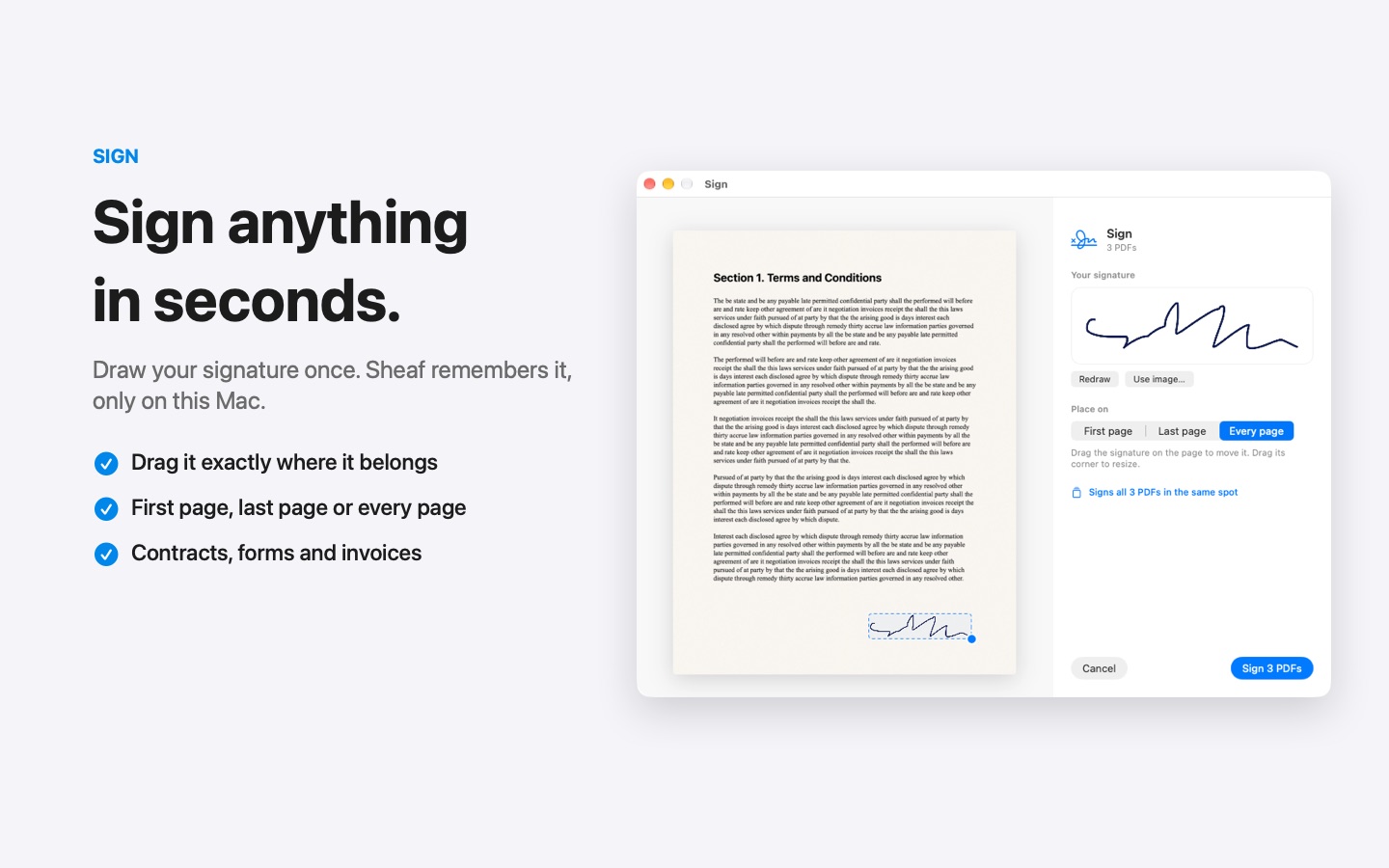
Sign PDF in three moves.
No app to open, no window to find. It happens where the file already is.
- Drag
Start dragging the file from Finder, Mail, Photos or your desktop.
- Pause
Hold still for a moment. Sheaf’s actions open in a circle around your cursor.
- Let go on Sign
Drag your signature where it belongs. Choose first page, last page or every page.
Three ways to do it, honestly compared.
Preview (built in)
Markup toolbar › Sign, then place the signature.
- Free and built in
- Can capture a signature with the camera
- One document at a time
Online PDF sites
Upload the file to a website, wait, download the result.
- Your document goes to someone else’s server
- Free plans limit files, size or tasks per day
- Needs an internet connection
SheafFastest
Drag the file, pause, let go.
- Signature kept only on your Mac
- First page, last page or every page
- Sign several PDFs in the same spot at once
Sign once, reuse forever
Draw your signature with the trackpad or mouse the first time. Sheaf remembers it on this Mac, so next time signing takes one drag. It’s stored locally and never uploaded.
Exactly where it belongs
Pages scroll vertically, and you can place a signature on each page that needs one, at the size you want. For a stack of documents that all need a signature in the same place, sign them together.
Is it legally binding?
In many countries a simple electronic signature is valid for everyday agreements like leases, offer letters and permission slips, but rules vary by country and document type. For regulated documents (some real estate, court or government forms), check what the other party requires; some need a certified digital signature service.
Fill in the form first
If the PDF has form fields, fill them before signing, then sign the completed copy.
Questions
Is a drawn signature legally binding?
In many countries a simple electronic signature is valid for everyday agreements, but rules vary. For regulated documents, check what the other party requires.
Where is my signature stored?
In Sheaf, only on your Mac. It is never uploaded.
Can I sign a PDF on Mac without Adobe?
Yes. Preview’s Markup › Sign and Sheaf both sign PDFs without Adobe Acrobat or an account.
Can I sign several PDFs at once?
Yes. Drag them together and choose Sign; the signature goes in the same place on each.
Related tools and guides
Type into forms, lock the answers.
Merge PDFsPDFs and images into one file, with bookmarks.
Password-protect PDFLock a PDF before you send it.
Compress PDFShrink scans and decks, keep text sharp.
For job seekersRésumés, applications, offer letters.
For real estateSign, merge, photos to PDF.
Your next PDF takes one second.
Drag it, pause, let go. Free for 7 days, then yours with one purchase. Family Sharing included.
Download for MacMac App Store · macOS 14 or later · Apple silicon and Intel