Remove the hidden data before it leaves.
PDFs quietly carry the author’s name, the software used, comments, old versions and attached files. Clean them before they go outside.
Free 7-day trial · then one purchase, no subscription · macOS 14+
In short: To remove metadata from a PDF on a Mac, drag it, pause and choose Remove hidden data in Sheaf. It shows what’s there (author, edit history, comments, attachments, scripts, hidden layers), removes it, and saves a clean copy that looks the same.Updated 13 November 2026
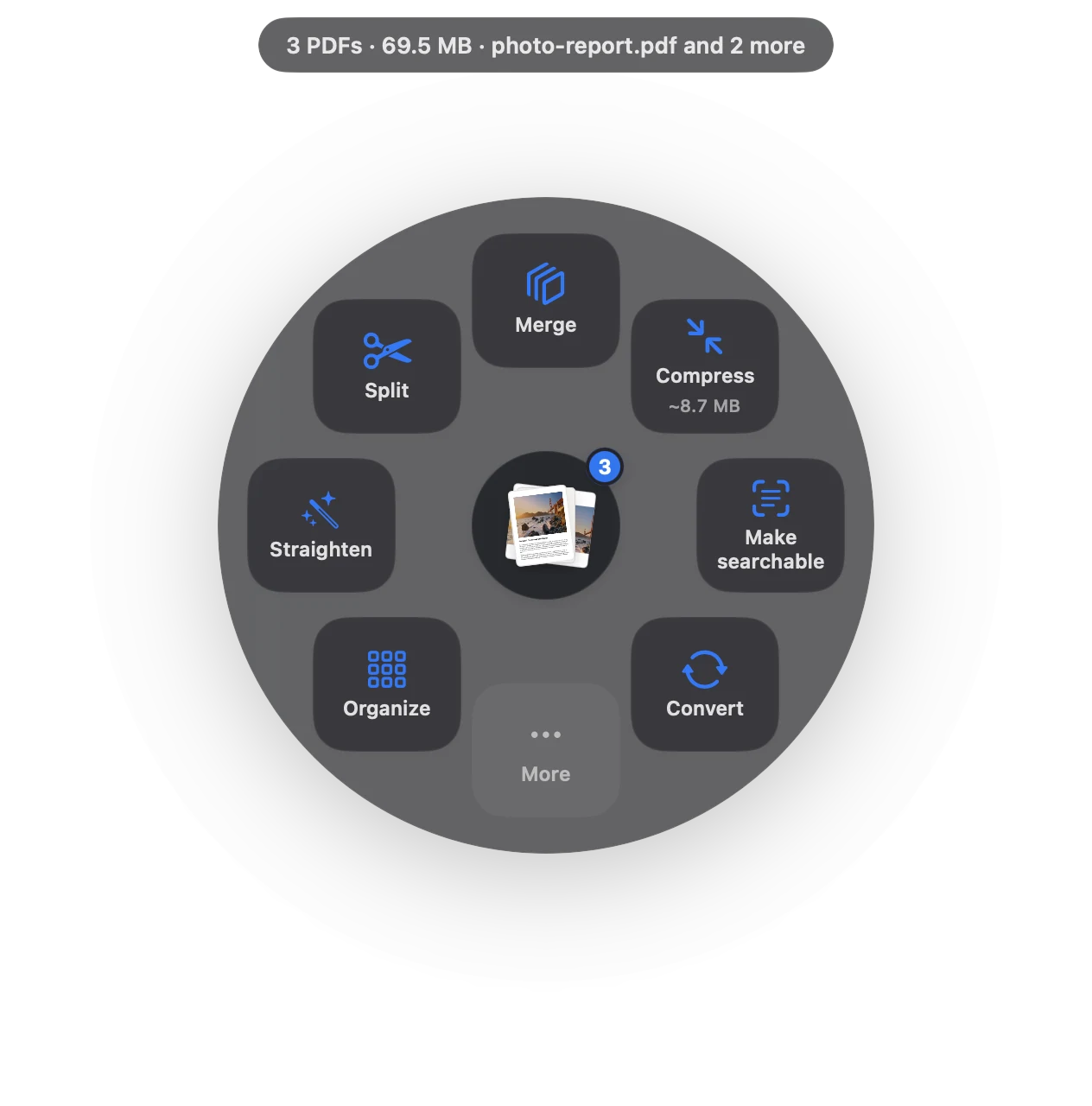
Remove metadata in three moves.
No app to open, no window to find. It happens where the file already is.
- Drag
Start dragging the file from Finder, Mail, Photos or your desktop.
- Pause
Hold still for a moment. Sheaf’s actions open in a circle around your cursor.
- Choose More › Remove hidden data
See what’s inside, then save a clean copy.
Three ways to do it, honestly compared.
Preview (built in)
Tools › Show Inspector shows some info.
- Free
- Shows basic info only
- Can’t remove history or attachments
Online PDF sites
Upload the file to a website, wait, download the result.
- Your document goes to someone else’s server
- Free plans limit files, size or tasks per day
- Needs an internet connection
SheafFastest
Drag the file, pause, let go.
- Author, dates, edit history
- Comments, attachments, scripts, layers
- Pages look exactly the same
What hides in a PDF
- Document info: author, title, the app that made it, created and edited dates.
- Comments and markup that were hidden but never deleted.
- Attachments: files embedded inside the PDF.
- Scripts and hidden layers.
Pair it with redaction
Removing metadata cleans what you can’t see; redaction removes what you can. Do both before sending sensitive files outside.
Questions
How do I see a PDF’s metadata on a Mac?
In Preview, Tools › Show Inspector shows basic document info. Sheaf’s Remove hidden data lists everything it will remove.
Does removing metadata change the pages?
No. Pages look the same; only hidden information is removed.
Should I remove metadata from my résumé?
It’s a good idea: it removes the author field and edit history before you send it.
Related tools and guides
Your next PDF takes one second.
Drag it, pause, let go. Free for 7 days, then yours with one purchase. Family Sharing included.
Download for MacMac App Store · macOS 14 or later · Apple silicon and Intel