Fewer PDF chores, more teaching.
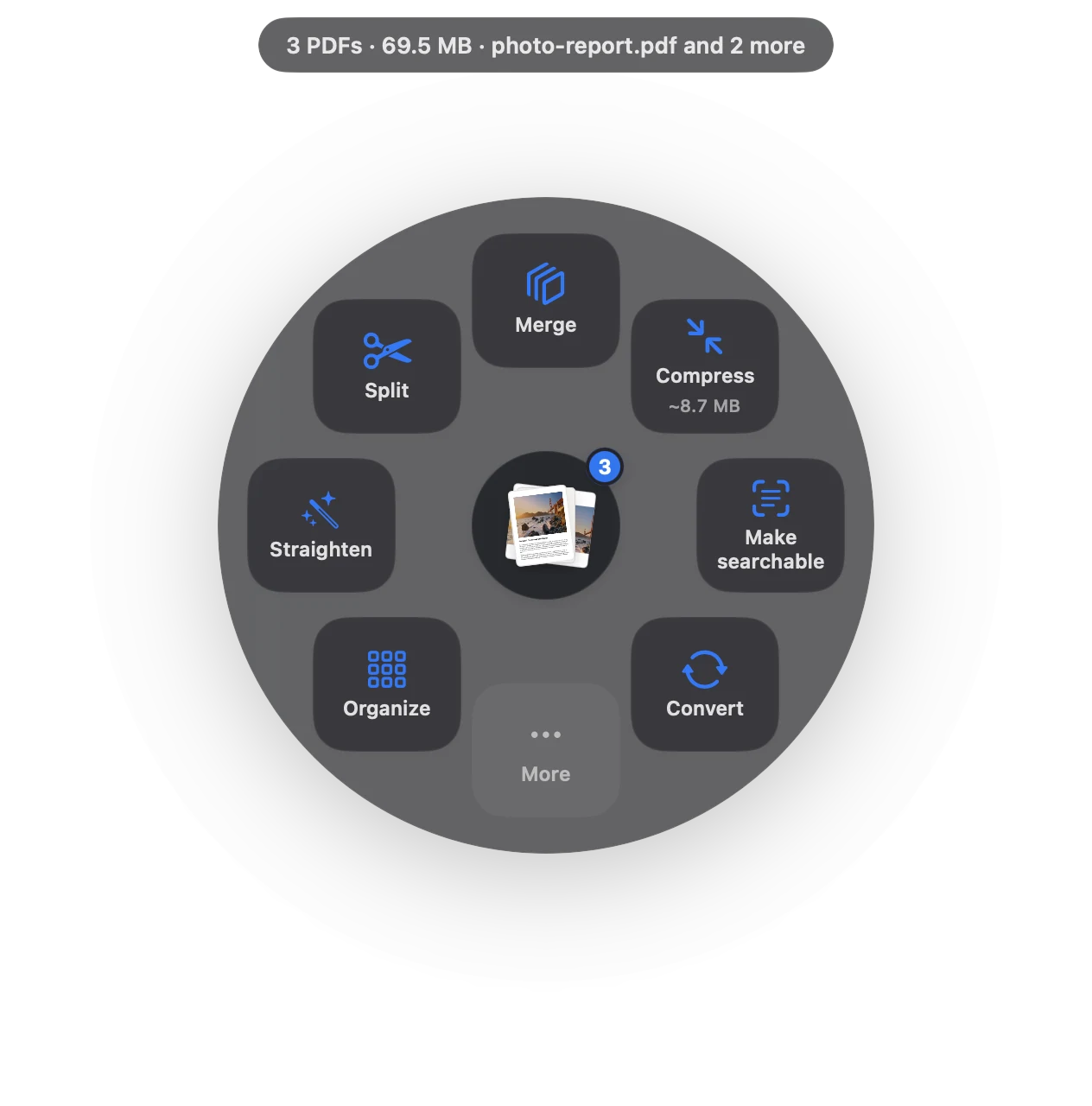
Building a handout pack, emailing a newsletter that’s too big, sharing a student example without the name. Each takes one drag.
Free 7-day trial · then one purchase, no subscription · macOS 14+
In short: Teachers use Sheaf to merge worksheets into packs, add page numbers, make old scanned handouts searchable, redact student names before sharing examples, and compress files for parent email. Student information never leaves the Mac.Updated 13 November 2026
The PDF jobs teachers actually have.
Worksheets into one PDF, in order, with bookmarks.
Numbered pages“Page 1 of 22” so the class finds the right page.
Share work anonymouslyRedact names before showing a student example.
Revive old scansMake photocopied handouts searchable and copyable.
Email to parentsNewsletters under the attachment limit.
Mark drafts and answersWatermark answer keys or drafts.
From pile of files to done.
- Plan
Drag this week’s worksheets together, choose Organize, put them in order and save one pack.
- Prepare
Number the pages and watermark the answer key “Teacher copy”.
- Share
Compress the newsletter, redact names from the example essay, and send.
Student privacy
Schools have good reasons to be careful with student work and names. Sheaf never uploads files, has no account and collects no data, so using it doesn’t add another service that holds student information.
Price
Free for 7 days with everything. Then 3 actions a day stay free, or unlock everything with one purchase, no subscription. Schools can buy Sheaf for Business through Apple School Manager; see IT & deployment.
Questions
Is Sheaf safe for student data?
Files never leave the Mac. Sheaf has no servers, no account and collects no data.
Can our school deploy it?
Yes. Sheaf for Business is available through Apple School Manager and works with any MDM.
How do I combine worksheets into one PDF on a Mac?
Select them in Finder, drag, pause and choose Merge, or Organize to set the order first.
Related
Assignments, scans and forms.
Merge PDFsPDFs and images into one file, with bookmarks.
Redact PDFRemoves the text, not just covers it.
Add page numbers“Page 1 of 9”, headers, footers, Bates.
OCR a scanned PDFMake scans searchable and copyable.
PDF too big to email?Get under 25 MB, or split into parts.
Your next PDF takes one second.
Drag it, pause, let go. Free for 7 days, then yours with one purchase. Family Sharing included.
Download for MacMac App Store · macOS 14 or later · Apple silicon and Intel