Applications that arrive right.
Portals that cap uploads at a few megabytes, “please send one PDF”, an offer letter to sign tonight. Handle each in seconds.
Free 7-day trial · then one purchase, no subscription · macOS 14+
In short: Job seekers use Sheaf to turn a Word résumé into a PDF, combine résumé, cover letter and certificates into one file, get it under a portal’s upload limit, remove hidden author data, and sign offer letters. Everything happens on the Mac.Updated 13 November 2026
The PDF jobs job seekers actually have.
Word or Pages export looks the same everywhere.
One application fileRésumé, cover letter and certificates together.
Fit the upload limitFit 5 MB for portals that ask for small files.
No hidden author dataRemove metadata and edit history before sending.
Sign the offerSign offer letters and contracts the same evening.
Protect your IDPassword-protect ID and visa scans.
From pile of files to done.
- Tailor
Edit your résumé in Word, drag it and choose Convert to PDF.
- Package
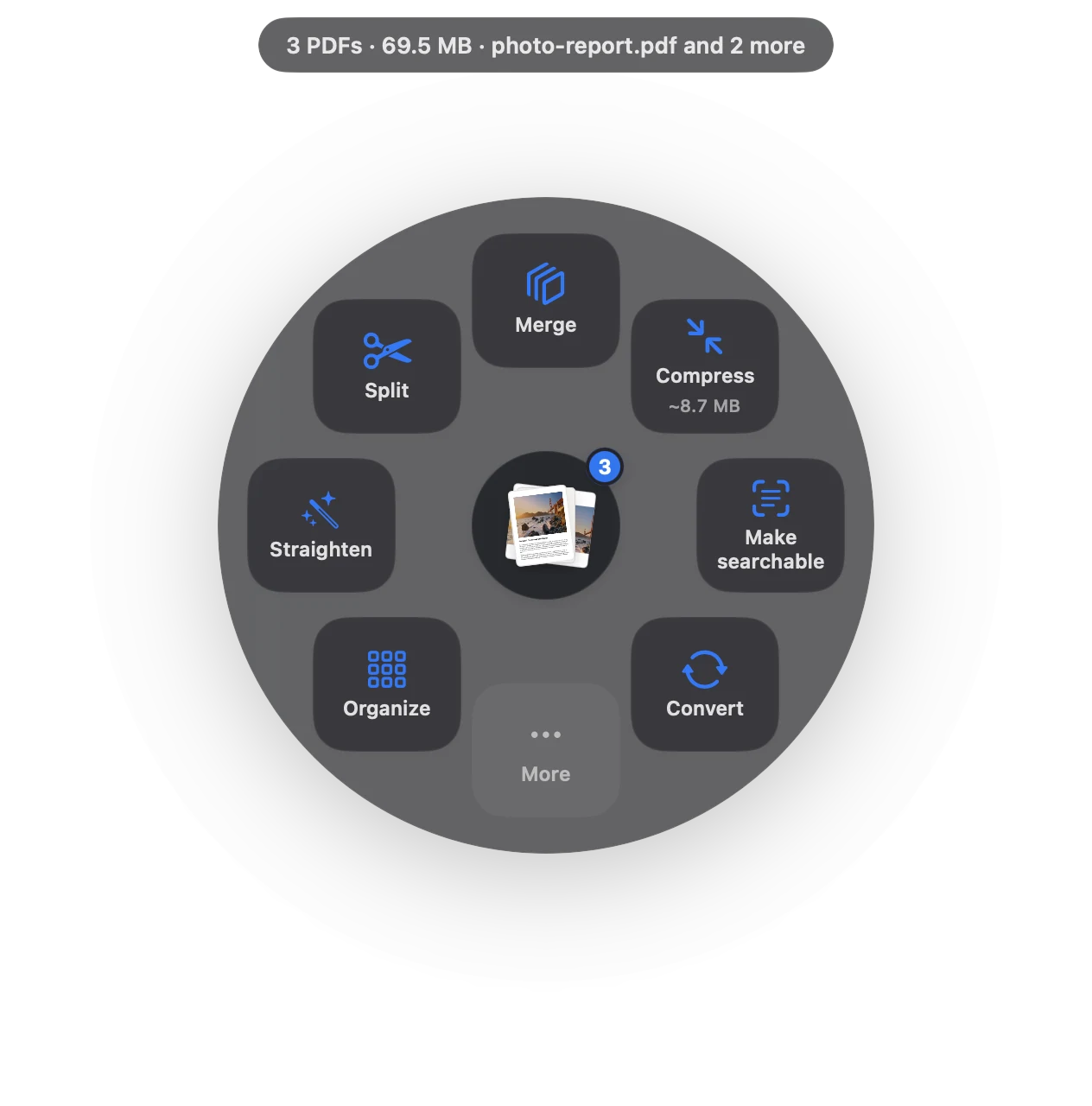
Drag résumé, cover letter and certificates together and choose Merge; Compress if the portal is strict.
- Accept
Offer arrives as a PDF: Sign, then send it back.
Check what you’re sending
A PDF made from a template can still list someone else as the author, or carry tracked changes. Remove hidden data takes a second and avoids awkward questions.
Keep your documents private
Job applications involve passports, visas, certificates and references. Sheaf works on your Mac, so none of it is uploaded to a PDF website along the way.
Questions
Should I send my résumé as PDF or Word?
PDF, unless the employer asks for Word: it looks the same on every device.
How do I combine my résumé and cover letter into one PDF on a Mac?
Select both, drag, pause and choose Merge.
How do I get my résumé PDF under 2 MB?
Compress it; text-only résumés are usually tiny already. Photos and scanned certificates are what make files big.
Related
Word, RTF, text and web pages to PDF.
Merge PDFsPDFs and images into one file, with bookmarks.
PDF too big to email?Get under 25 MB, or split into parts.
Remove PDF metadataAuthor, history, comments, hidden layers.
Sign PDFDraw once, place it anywhere.
Upload size limitsIRS, USCIS, ATO and more, with sources.
Your next PDF takes one second.
Drag it, pause, let go. Free for 7 days, then yours with one purchase. Family Sharing included.
Download for MacMac App Store · macOS 14 or later · Apple silicon and Intel