Business paperwork, done in a drag.
Contracts to sign, receipts to file, statements for the bookkeeper, quotes to send. Do them where the files are, without another subscription.
Free 7-day trial · then one purchase, no subscription · macOS 14+
In short: Small business owners and freelancers use Sheaf to sign contracts, merge invoices and receipts for the accountant, convert bank statements to Excel, watermark quotes, and automate repetitive PDF jobs with watched folders and Shortcuts. It’s a one-time purchase, not a subscription.Updated 13 November 2026
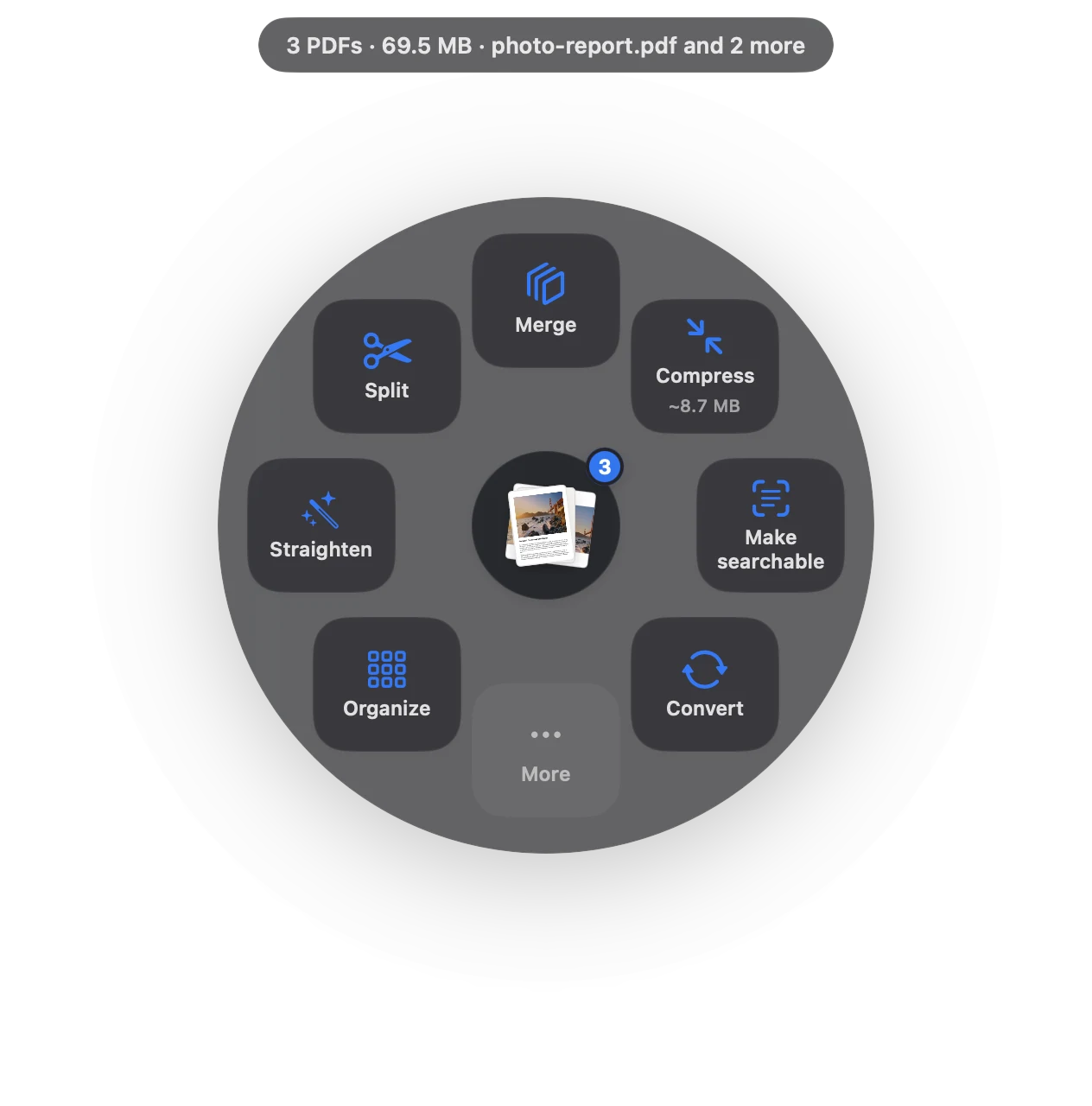
The PDF jobs small business actually have.
Your signature, saved only on your Mac.
Receipts for the bookkeeperPhotos and PDFs into one file per month.
Statements to ExcelEvery row checked against the running balance.
Watermark quotes“Quote valid 30 days”, “Draft”, your name.
Protect invoicesPassword-protect files with client details.
Automate itWatched folders and Shortcuts do it for you.
From pile of files to done.
- Daily
A contract comes in: drag, Sign, send back.
- Weekly
Drop receipts in a watched folder; Sheaf compresses them as they arrive.
- Monthly
Merge the month’s invoices and receipts; convert the bank statement to Excel for the books.
No subscription to add
Small businesses pay for plenty of software every month. Sheaf is free for 7 days, then a one-time purchase on the Mac App Store, with Family Sharing. Teams can buy Sheaf for Business through Apple Business Manager.
Client files stay with you
Contracts, bank statements and IDs are exactly what you shouldn’t upload to a free PDF site. Sheaf works on your Mac only.
Questions
Is Sheaf a subscription?
No. It’s a free 7-day trial, then a one-time purchase.
Can I convert bank statements to Excel?
Yes. Sheaf reads statement tables and checks every row against the running balance.
Can Sheaf automate PDF tasks?
Yes, with watched folders and the Shortcuts app.
Related
Statements to Excel, client PDFs.
Bank statement to ExcelEvery row checked against the balance.
Sign PDFDraw once, place it anywhere.
Merge PDFsPDFs and images into one file, with bookmarks.
Adobe Acrobat alternativeWhen you don’t need a subscription.
Watermark PDFDraft, Confidential or your own words.
Your next PDF takes one second.
Drag it, pause, let go. Free for 7 days, then yours with one purchase. Family Sharing included.
Download for MacMac App Store · macOS 14 or later · Apple silicon and Intel