The Smallpdf jobs, without the upload.
Smallpdf is handy in a browser. But every file goes to their platform, and Pro is a subscription. On your own Mac, there’s a faster way.
Free 7-day trial · then one purchase, no subscription · macOS 14+
In short: Sheaf does the same everyday jobs as Smallpdf (compress, merge, split, sign, convert, OCR) on your Mac, offline, for a one-time purchase. Smallpdf runs in the browser, so files go to its web platform, and Pro is billed annually per user.Updated 13 November 2026
Smallpdf, Preview and Sheaf.
We make Sheaf, so we’ve tried hard to be fair: facts about other apps come from their own websites, checked 13 November 2026, and linked below. Prices change; their sites have the final word.
Smallpdf
Browser tools; Pro billed annually per user, 7-day trial.
- Nothing to install
- Works on any computer
- Files go to their web platform
Preview (built in)
Free, built into macOS.
- Free
- On your Mac
- Basic tools only
SheafOur pick
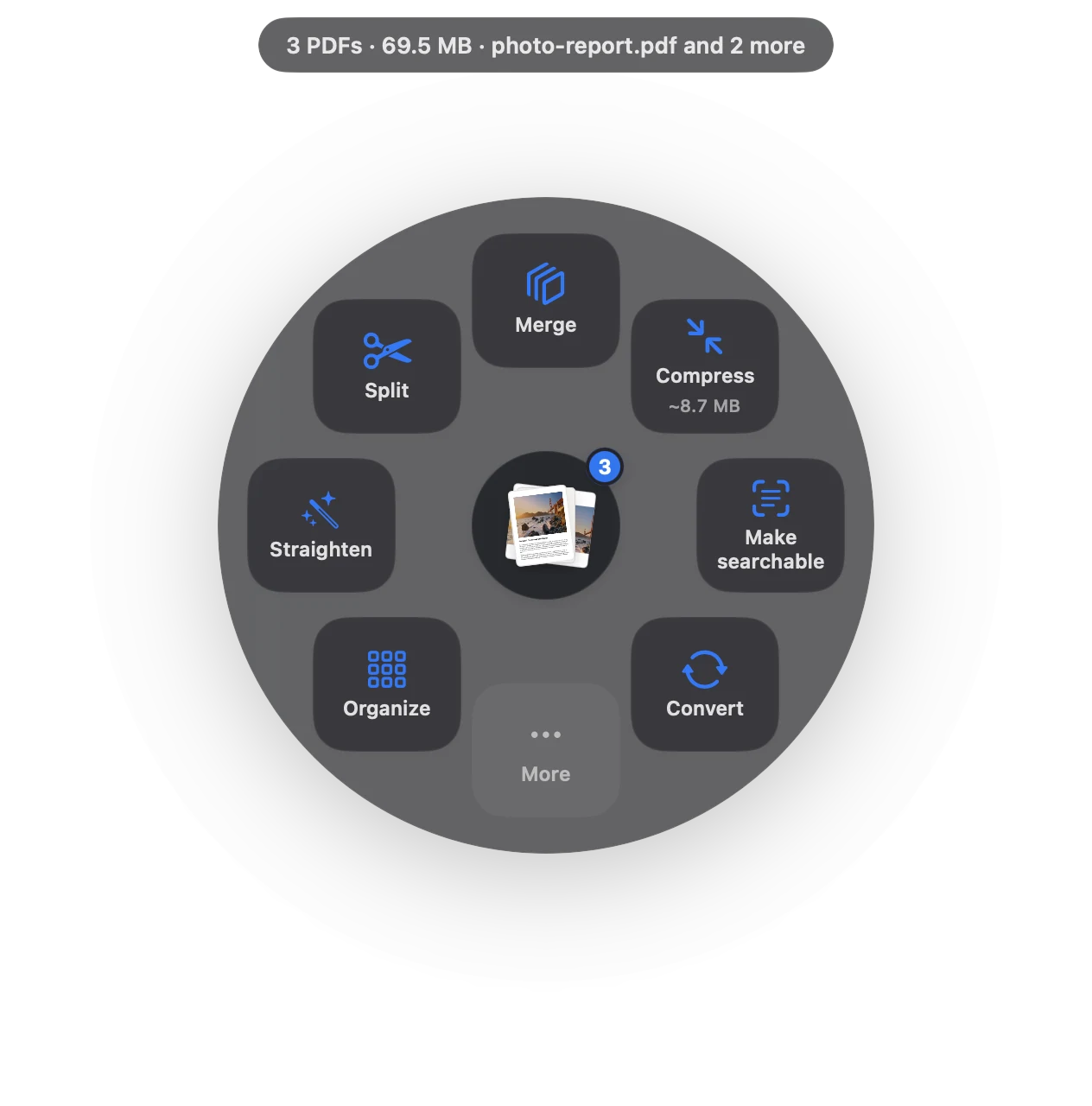
Drag the file, pause, let go.
- One-time purchase
- Everything runs on your Mac
- Compress, merge, sign, OCR, convert in one drag
What you get, and what you don’t.
| Smallpdf | Sheaf | |
|---|---|---|
| Where files go | Uploaded to Smallpdf’s web platform | Nowhere: processed on your Mac |
| Billing | Pro billed annually per user, 7-day free trial | 7-day free trial, then one-time purchase |
| Works offline | No (browser) | Yes |
| Mac app | None listed (Windows and mobile apps) | Yes, Mac App Store |
| Speed | Upload, process, download | About a second, where the file is |
When Smallpdf is the better choice
- You’re on a computer where you can’t install apps.
- Your team already shares documents in Smallpdf.
- You need it on Windows (Smallpdf lists a Windows app).
Source
https://smallpdf.com/, checked 13 November 2026.
Questions
Is there an offline Smallpdf for Mac?
Smallpdf’s site lists a Windows app and mobile apps, not a Mac app. Sheaf does the same jobs on your Mac offline.
Is Smallpdf safe for confidential files?
Smallpdf describes encrypted transfer, but files still go to its platform. For confidential files, an app that works on your Mac avoids uploading them at all.
What’s the cheapest Smallpdf alternative for Mac?
Preview is free for basics. Sheaf is a one-time purchase after a free 7-day trial.
Your next PDF takes one second.
Drag it, pause, let go. Free for 7 days, then yours with one purchase. Family Sharing included.
Download for MacMac App Store · macOS 14 or later · Apple silicon and Intel