An Acrobat alternative without the subscription.
Most people open Acrobat to compress, merge, sign or convert. If that’s you, you may not need a monthly plan at all.
Free 7-day trial · then one purchase, no subscription · macOS 14+
In short: If you mainly compress, merge, split, sign, redact and convert PDFs on a Mac, Sheaf does those in one drag for a one-time purchase, and Preview covers basics free. Keep Acrobat if you edit the text inside PDFs, build fillable forms or rely on Adobe’s e-signature workflows.Updated 13 November 2026
Adobe Acrobat, Preview and Sheaf.
We make Sheaf, so we’ve tried hard to be fair: facts about other apps come from their own websites, checked 13 November 2026, and linked below. Prices change; their sites have the final word.
Adobe Acrobat
Standard US$14.99/mo or Pro US$19.99/mo on an annual plan (US).
- Edits text and builds forms
- Mac, Windows, web and mobile
- Subscription; annual plans have a cancellation fee after 14 days
Preview (built in)
Free, built into macOS.
- Free
- On your Mac
- Basic tools only
SheafOur pick
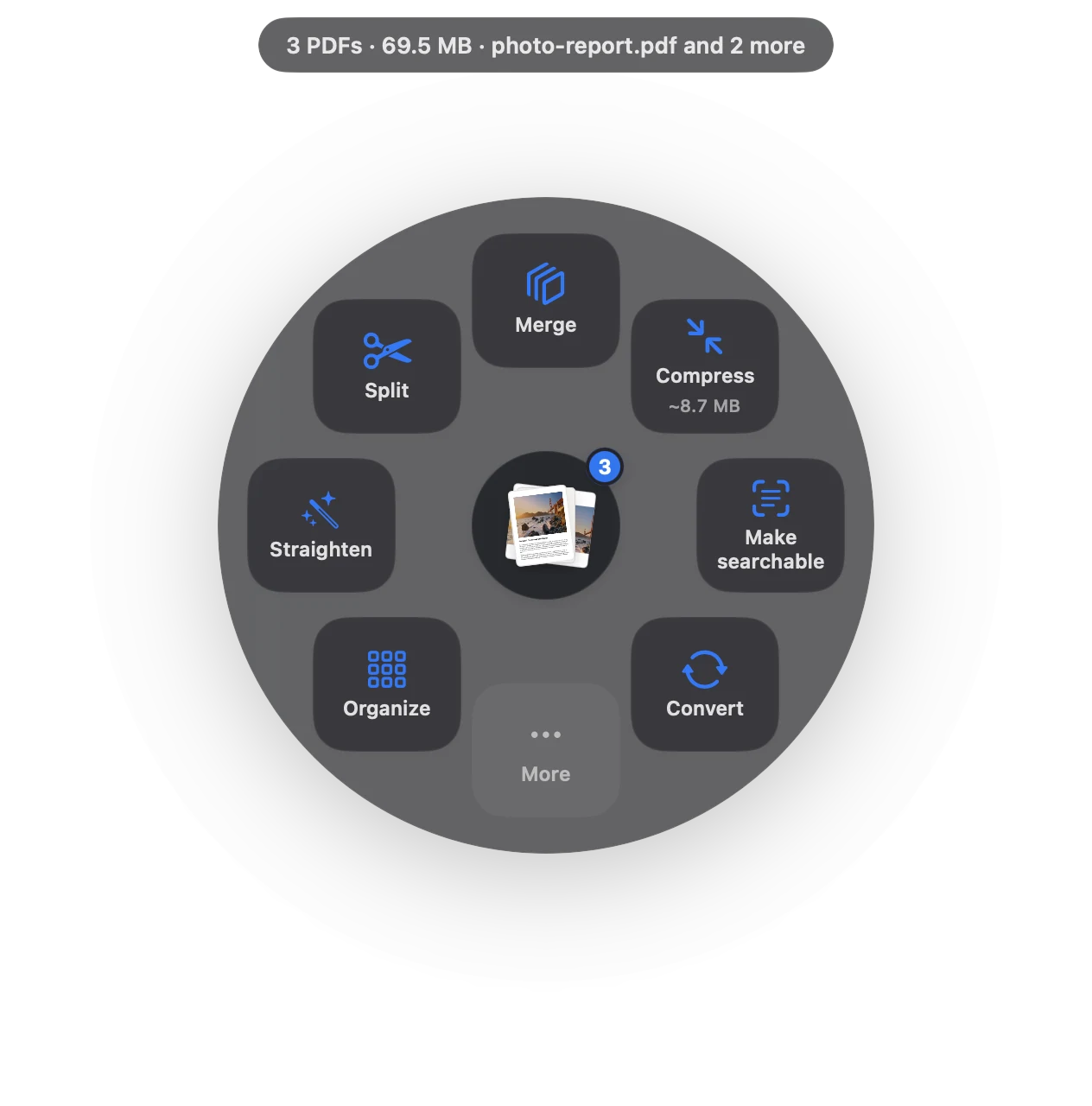
Drag the file, pause, let go.
- One-time purchase
- Everything runs on your Mac
- Compress, merge, sign, OCR, convert in one drag
What you get, and what you don’t.
| Adobe Acrobat | Sheaf | |
|---|---|---|
| Price (US) | Standard US$14.99/mo, Pro US$19.99/mo (annual plan billed monthly); US$24.99/US$29.99 month-to-month | Free 7-day trial, then US$14.99 once (launch price to 31 Dec 2026, then US$24.99) |
| Billing | Subscription | One-time purchase, Family Sharing |
| Edit text in a PDF | Yes | No |
| Compress, merge, split, sign | Yes | Yes, in one drag |
| Redact, OCR, page numbers, watermark | Depends on the plan (see Adobe’s comparison) | Yes |
| Bank statement to Excel, row-checked | Not stated | Yes |
| Platforms | Mac, Windows, web, mobile | Mac only |
When Adobe Acrobat is the better choice
- You edit existing text or images inside PDFs.
- You build fillable forms or run e-signature workflows with Adobe.
- You need the same app on Windows and mobile.
If not, a one-time purchase covers the everyday jobs.
Source
https://www.adobe.com/acrobat/pricing.html, checked 13 November 2026.
Questions
Is there a free alternative to Adobe Acrobat on Mac?
Preview is free and built in for reading, signing and simple merges. Sheaf has a free 7-day trial, then a one-time purchase.
Can I compress a PDF on Mac without Acrobat?
Yes. Preview’s Reduce File Size filter or Sheaf’s Compress both work without Acrobat.
Does Sheaf edit PDF text like Acrobat?
No. Sheaf does whole-document jobs like compress, merge, sign, redact, OCR and convert; it doesn’t edit existing text.
Your next PDF takes one second.
Drag it, pause, let go. Free for 7 days, then yours with one purchase. Family Sharing included.
Download for MacMac App Store · macOS 14 or later · Apple silicon and Intel