Household paperwork, finally easy.
The tax return, the lease, the insurance claim with twelve photos, the school form due tomorrow. Each one in a single drag.
Free 7-day trial · then one purchase, no subscription · macOS 14+
In short: Families use Sheaf for household paperwork: turning photos of documents into PDFs, signing leases and school forms, compressing files for government and insurance upload limits, and password-protecting tax documents. One purchase covers the family with Family Sharing.Updated 13 November 2026
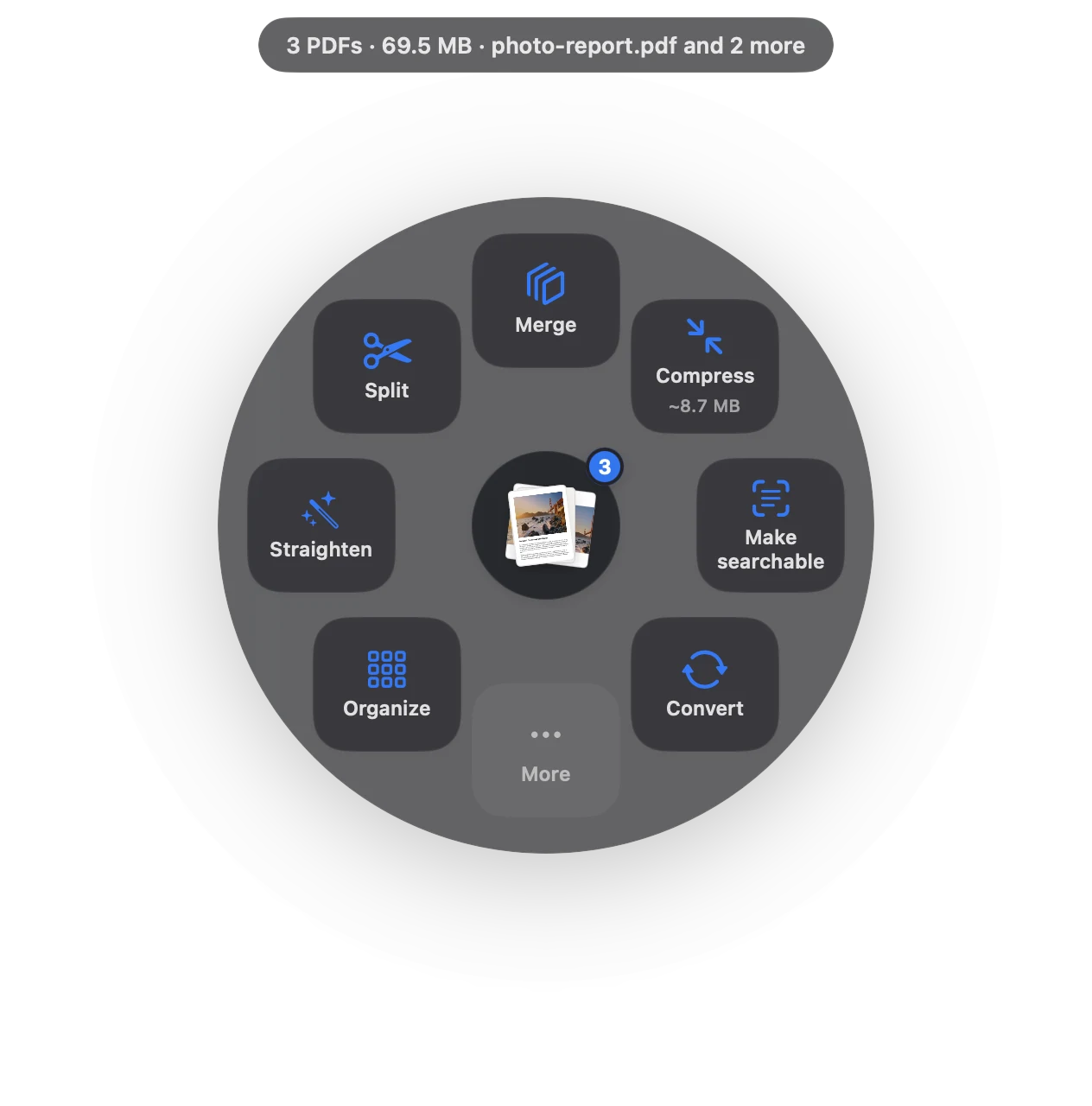
The PDF jobs home paperwork actually have.
Snap documents with your iPhone, make one PDF.
Sign leases and formsNo printer, no scanner.
Upload limitsFit tax and visa portal size limits.
Protect tax filesLock returns and IDs with a password.
Fill in formsType answers, lock them, sign.
Open locked statementsBank PDFs that need your details.
From pile of files to done.
- Collect
Photograph receipts and letters; drag them from Photos and choose Make PDF.
- Complete
Fill the form, sign it, and merge it with the supporting documents.
- Send
Compress to the portal’s limit, or password-protect it for email.
One purchase for the family
Sheaf is free for 7 days, then a one-time purchase. Family Sharing lets up to five other family members use it on their Macs at no extra cost.
Private by design
Tax returns, passports and medical letters never leave your Mac: Sheaf has no servers and no account.
Questions
How do I scan documents to PDF on a Mac without a scanner?
Photograph them with your iPhone, drag the photos into Sheaf and choose Make PDF. Continuity Camera can also scan straight into Finder.
Can my family share one purchase?
Yes. Sheaf supports Family Sharing.
How do I make a PDF small enough for a tax or visa portal?
Choose Compress › Fit 5 MB, or the limit your portal lists.
Your next PDF takes one second.
Drag it, pause, let go. Free for 7 days, then yours with one purchase. Family Sharing included.
Download for MacMac App Store · macOS 14 or later · Apple silicon and Intel