PDF tools for students, right where you drag.
Upload limits on Canvas and Moodle, phone photos of handwritten work, scanned readings you can’t search. Sort them in seconds, offline, on the Mac you already have.
Free 7-day trial · then one purchase, no subscription · macOS 14+
In short: Students use Sheaf to compress assignments under upload limits, merge photos of handwritten work into one PDF, make scanned readings searchable, and turn essays into PDFs. It runs on the Mac with no account; one purchase covers the whole family via Family Sharing.Updated 13 November 2026
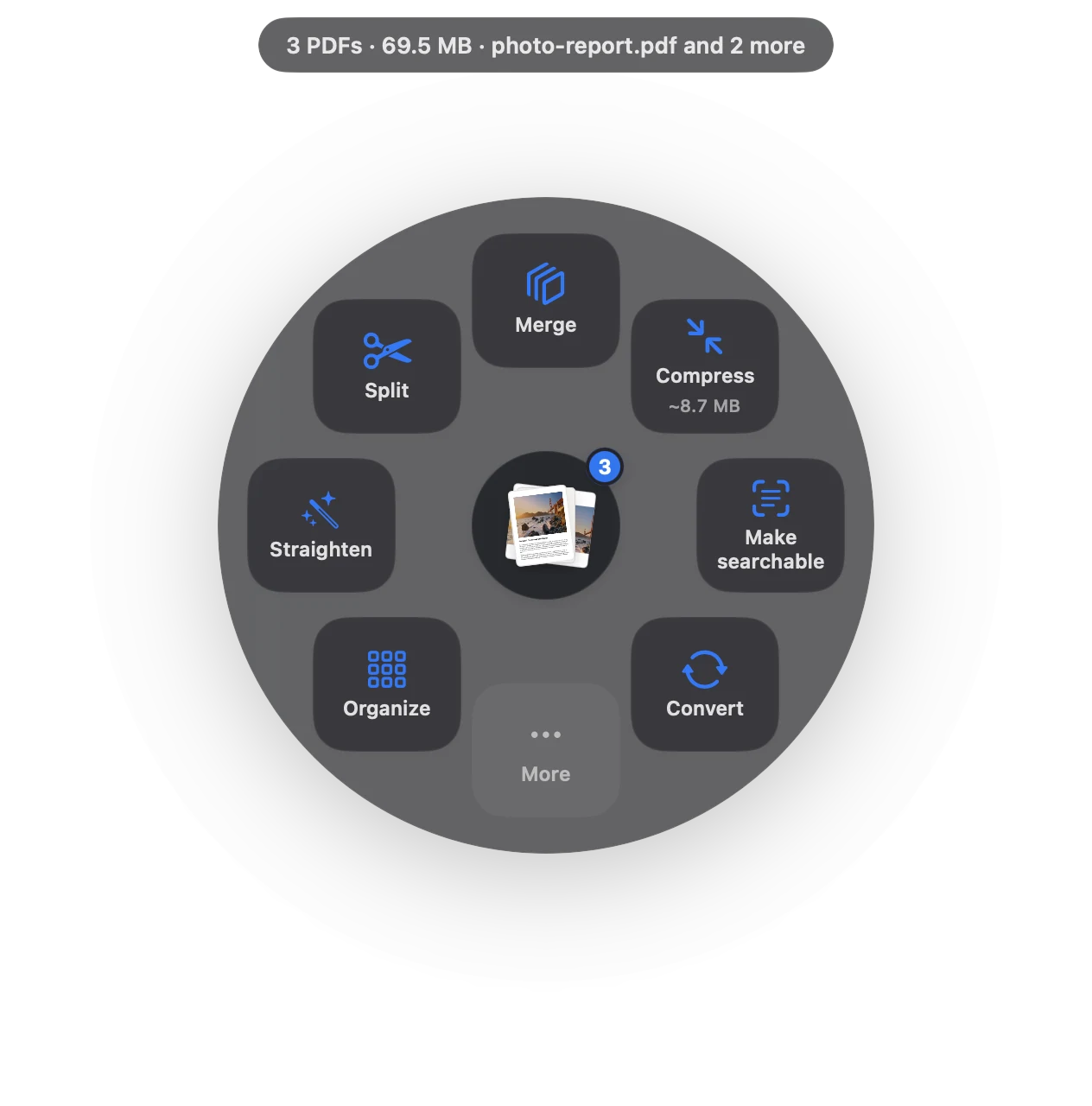
The PDF jobs students actually have.
Photos of pages become one PDF in the right order.
Under the upload limitFit 5 MB or 25 MB, text still sharp.
Searchable readingsSearch, highlight and copy from scanned chapters.
Essays to PDFWord or Markdown to PDF, many at once.
One portfolio fileCombine projects, certificates and transcripts.
Forms and sign-offsFill in and sign without printing.
From pile of files to done.
- Monday: readings
Drag the scanned chapter and choose Make searchable. Now you can search it and highlight it.
- Wednesday: problem set
Photograph your pages, drag them out of Photos and choose Make PDF, then Compress.
- Friday: submit
Essay in Word? Convert to PDF and upload before the deadline.
Why not just use a free website?
Free PDF sites cap the number of files or tasks per day, and they upload your work and your ID scans to their servers. Sheaf works with Wi-Fi off, in the library or on a train, and nothing leaves your Mac.
Price
Free for 7 days with everything unlocked. After that, 3 actions a day stay free, and a one-time purchase unlocks everything for good, with no subscription. With Family Sharing, one purchase covers up to five family members, so a parent can buy it once for everyone.
Questions
Is there a free PDF app for Mac students?
Preview is free and built into macOS. Sheaf has a free 7-day trial and then 3 free actions a day; unlimited use is a one-time purchase.
How do I make my assignment PDF smaller for Canvas or Moodle?
Drag the PDF and choose Compress › Fit 5 MB or Fit 25 MB, whichever your course allows.
How do I turn photos of handwritten work into one PDF?
Select the photos, drag them, and choose Make PDF. Then Compress if it’s large.
Related
Your next PDF takes one second.
Drag it, pause, let go. Free for 7 days, then yours with one purchase. Family Sharing included.
Download for MacMac App Store · macOS 14 or later · Apple silicon and Intel